
 App Store
  Google Play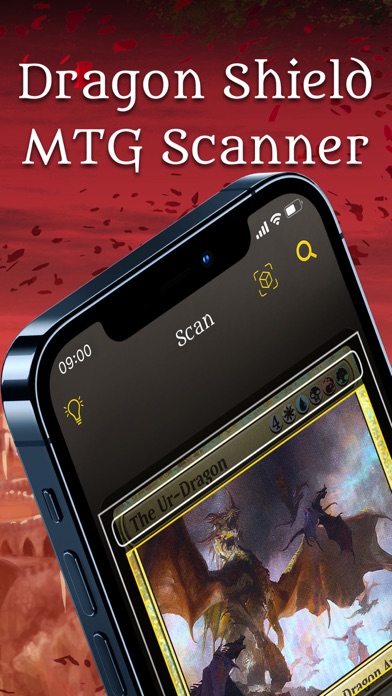
CARD COMPATIBILITY
SUPPORTED GAMES & LANGUAGE EDITIONS.
This Dragon Shield app is dedicated to Magic: The Gathering. The developer describes recognition of Magic cards in any language and translation of foreign-language cards.
| Game | Card-language editions | Scanner details |
|---|---|---|
| Magic: The Gathering | Any card language — developer description | The official MTG listing advertises scanning in any language and real-time translation of foreign-language cards. This is the card-scanning description, separate from the App Store’s interface-language field. |
Dragon Shield MTG · card recognition and translation ↗ · Dragon Shield · separate game-specific apps ↗
THE REVIEW
BUILT AROUND MAGIC.
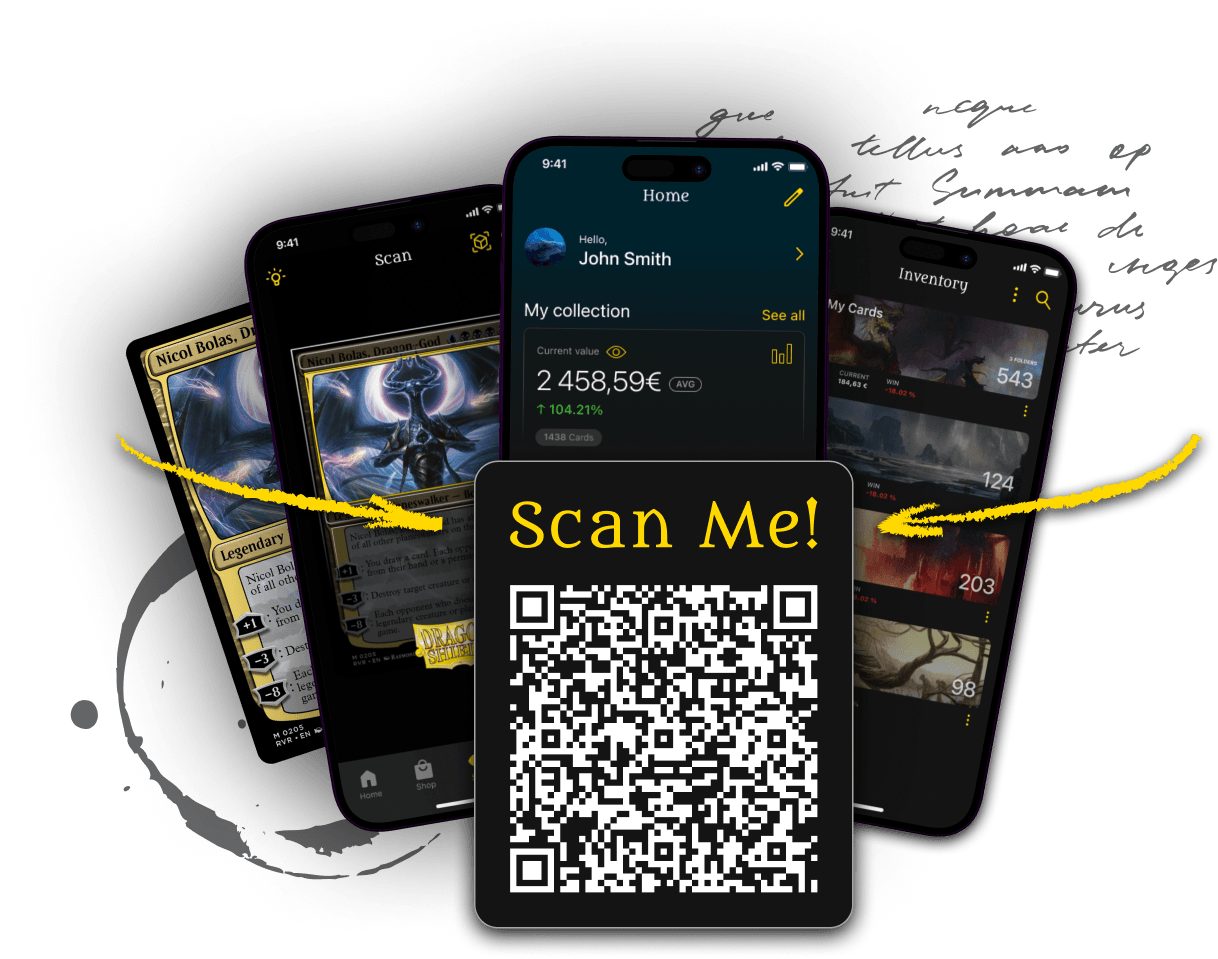
Dragon Shield’s MTG Scanner connects Magic card identification with collection, deck and trade tools. Its focus on Magic makes the app a useful option for players who want to move from organizing cards to building decks.
In this Dragon Shield MTG scanner review, we examine the path from scanning Magic cards to managing folders, tracking a collection and building decks.
Key features
Magic-focused deck, collection and trade tools make the post-scan workflow relevant to players as well as collectors.
Using the app
Explore the in-app upgrade options alongside the collection and deck tools you use.
A scanner organized around Magic
Dragon Shield’s MTG Scanner is a game-specific app, with card recognition connected to Magic collection and deck tools. That specialization gives the workflow a clear direction: identify cards, organize what you own and use the collection when thinking about decks or trades. The app reviewed here is the MTG product. Its card details, deck context and collection tools make it most relevant when Magic is the centre of your collecting routine. For a collection spread across unrelated games, a multi-game app may be a more convenient hub.
Recognition and card details
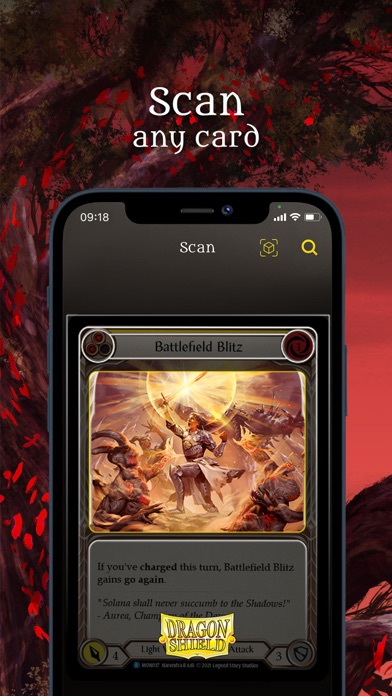
Magic contains many printings, treatments and languages, so a useful scanner workflow has to preserve the distinction between identifying a card name and selecting the exact version. The developer describes recognition and translation features, and its latest iOS release introduces a Pro Scanner focused on cards, sets and versions. When organizing your collection, check the matched printing as part of the process. The goal is an entry you can use later in a deck, trade or inventory, with the relevant edition attached to it.
Collection organization
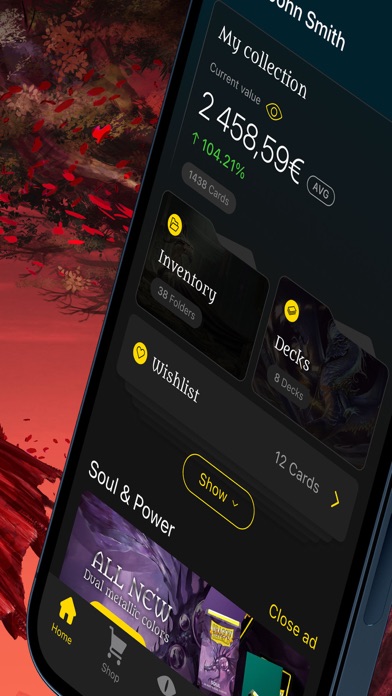
The published feature set includes folders and collection tools, giving you ways to separate cards according to how you use them. You might organize a trade binder separately from cards committed to decks, or keep a set-focused collection apart from general inventory. The useful structure is the one you can maintain consistently. After adding cards, revisit their entries and check how quantity, version and condition fit your routine. An organized inventory becomes more valuable when you can quickly answer what is available for a deck or a trade.
Deck and trade tools
Deck building is a natural companion to an MTG collection. Dragon Shield’s listing describes deck tools and statistics, along with features for comparing trades. This makes the app worth exploring beyond the first successful scan. A player building from an existing collection needs to move between the cards they own and the cards they plan to use; a trade-focused collector needs to compare specific entries. Try those next steps during your first session, because the post-scan tools may be the main reason to choose a Magic-focused app.
Pricing and upgrades
The app is a free download with optional in-app purchases. Explore the current upgrade options inside the app and connect them to the features you actually use. A deck-building routine may emphasize different tools from a large collection catalogue. Compare the available options after trying the basic sequence of scanning a card, confirming its details and placing it into the right collection or deck workflow. That keeps the decision tied to a concrete task rather than choosing an upgrade simply because it appears on the plan screen.
The verdict
Dragon Shield’s MTG Scanner is a relevant choice for Magic players who want card identification alongside collection, deck and trade tools. Its focus is the attraction: the workflow is built around one game’s collecting and playing context. Compare it with TCGplayer for a free marketplace-linked approach and Collectr for a broader multi-game portfolio. Choose the Dragon Shield MTG app when the tools you need after scanning are specifically about organizing and playing Magic.
THE WHOLE COLLECTION
FULL PORTFOLIO SCANNING & MANAGEMENT.
A strong option for a complete Magic collection when you want to use that inventory for decks and trades. Choose it for a Magic-focused portfolio rather than a single inventory covering unrelated games.
Scanning an entire collection
The MTG scanner feeds into a collection manager with custom folders. For a large collection, decide how your physical storage maps to those folders before scanning: a trade binder, deck cards and set collections are useful starting points. Confirm the matched version and quantity as you go, especially for cards with several printings. Review the in-app upgrade options against the scanning workload you plan to complete.
Managing the portfolio over time
The published tools include folder values over time, collection price tracking, wishlists, trade lists and deck building. Collection-level movers and weekly collection emails add ways to revisit your holdings after the initial import. This makes Dragon Shield particularly useful when your portfolio is also a working card pool for playing Magic.
Exports and keeping a copy
The store listing documents collection and deck exports to CSV or text. These are useful for a separate inventory copy and for sharing lists.
How we would organize the project
Try one folder and one deck first. Check how you want to represent cards that are physically in decks, then use the same convention across the collection. Keep the physical storage location and digital organization consistent so you can find cards as well as count them.
Feature source: Dragon Shield’s official MTG collection-manager feature listing ↗
FREE & PAID.
Free download with optional in-app purchases. Open the app to see its current upgrade plans.
WHAT’S NEW.
Introduces the Pro Scanner for Magic cards, sets and versions, alongside performance improvements and bug fixes.
Apple release notes ↗The latest Google Play notes report performance and stability improvements, without a detailed feature list.
Google Play release notes ↗APP INFORMATION.
Explore the official listings for app information and download options.
DRAGON SHIELD FAQ.
Is Dragon Shield MTG Scanner legit?
Yes. The MTG Scanner is linked from Dragon Shield’s official app website and published in the Apple App Store and Google Play. Follow those official links to install it. Source ↗
Is Dragon Shield MTG Scanner free?
It is free to download and offers optional in-app purchases. Its store listing and in-app plan screen show the available upgrades. Source ↗
Does this Dragon Shield app scan Pokémon?
This review covers the Magic: The Gathering scanner. Dragon Shield offers a separate Pokémon scanner; choose the app for your game. Source ↗
Can Dragon Shield help build Magic decks?
Yes. The MTG app combines scanning and collection organization with deck-building tools and deck statistics. Source ↗
What is new in Dragon Shield MTG Scanner?
Version 8.1.0 on iOS introduces the Pro Scanner for Magic cards, sets and versions, plus performance improvements. Source ↗
Is Dragon Shield suitable for scanning a full collection?
A strong option for a complete Magic collection when you want to use that inventory for decks and trades. Choose it for a Magic-focused portfolio rather than a single inventory covering unrelated games. Source ↗